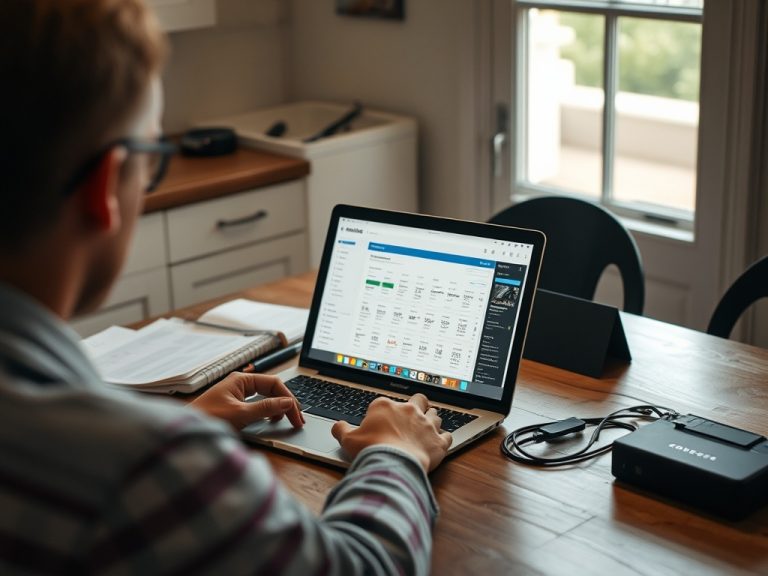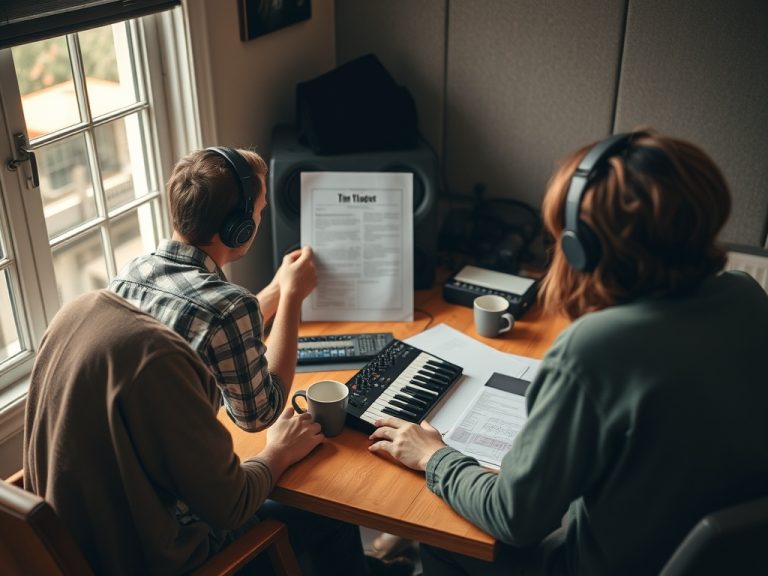
If your content looks flat, upgrade lighting and control before buying a new camera body. Most “camera problems” in beginner creator setups come from weak light direction, poor exposure, cluttered backgrounds, bad audio, unstable framing, or inconsistent white balance.
Upgrade Priority Cue Card
- Fix light first: direction, softness, separation, and consistency.
- Improve audio before chasing sharper video, because viewers forgive modest image quality faster than unclear speech.
- Stabilize the camera with a tripod, mount, or repeatable desk setup.
- Learn exposure and white balance before buying lenses.
- Upgrade the camera last if your current device cannot meet your required resolution, autofocus, recording time, or lens control.
Why Flat Footage Usually Is Not the Camera’s Fault
Flat footage often means the scene has no depth. The face blends into the background, the light is coming straight from the front, the room is too dim, or the camera is lifting shadows and noise to compensate. A more expensive camera can record those problems in higher resolution.
Start by looking at the frame without thinking about gear. Is the subject separated from the background? Is there a key light from one side rather than only overhead room light? Are the eyes visible? Does the background support the topic or distract from it? Is the camera at a flattering height? These choices can improve a phone, webcam, mirrorless camera, or cinema camera.
B&H’s guide to in-camera exposure tools is a good reminder that exposure decisions must happen before post-production can rescue anything. If highlights are clipped or shadows are crushed, the image information is gone. Better exposure habits can make existing equipment look newer than it is.
What to Upgrade First
| Priority | Upgrade | Why It Helps |
|---|---|---|
| 1 | Soft key light | Gives shape to the face and reduces harsh shadows |
| 2 | Microphone or audio placement | Makes content easier to watch and trust |
| 3 | Tripod or stable mount | Keeps framing repeatable |
| 4 | Background control | Adds depth and reduces visual clutter |
| 5 | Lens or camera body | Helps only after light, sound, and framing are under control |
What Kind of Light Should Beginners Buy?
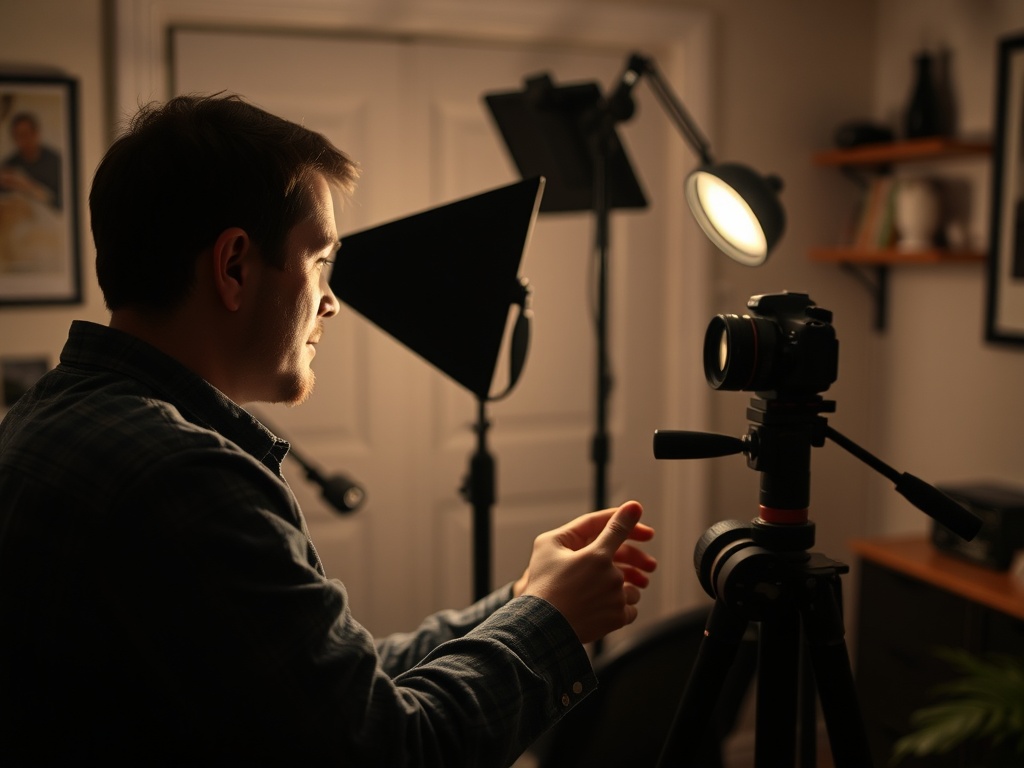
A soft key light is the most useful first upgrade. That can be a softbox, LED panel with diffusion, or a bounced light. The goal is not maximum brightness; it is flattering direction and consistency. Put the light slightly above eye level and off to one side, then adjust until the face has shape without deep eye shadows.
A small background light or practical lamp can help separate the subject from a wall. This matters because “flat” often means everything is lit equally. A bit of difference between subject and background makes the image feel more intentional.
Avoid relying only on ceiling lights. They often create raccoon-eye shadows and mixed color temperatures. If window light is beautiful but inconsistent, record at the same time of day or block it and use controlled light. A repeatable setup beats a lucky setup.
Does Audio Really Affect How the Picture Feels?
Yes. Clear audio changes how professional the whole piece feels. Viewers may describe a video as low quality when the image is acceptable but the sound is echoey, distant, or noisy. Move the microphone closer, reduce room reflections, and monitor a short test recording before buying a new camera.
For talking-head content, a simple USB microphone, lavalier, or small shotgun mic close to the speaker can outperform a camera’s built-in mic across the room. A rug, curtains, bookshelves, and soft furniture can reduce echo. Audio is not glamorous, but it improves watch time and viewer comfort.
This is similar to how AI-assisted illustration workflows can look impressive but still fail if the process lacks control. Tools matter, but the setup and judgment matter more.
When a New Camera Is Worth It
Upgrade the camera when the current device blocks a defined need. Examples include unreliable autofocus, limited recording time, poor low-light performance after lighting is fixed, inability to connect clean audio, overheating, lack of manual control, weak lens options, or insufficient resolution for the platform and workflow.
A beginner often benefits more from learning manual exposure, locked white balance, and basic composition than from jumping into log profiles, large sensors, and complicated menus. If you cannot explain why the new camera solves a specific problem, wait.
Institutions such as the International Center of Photography treat photography as visual culture and practice, not only device ownership. That framing is useful for creators: a camera is part of the image, not the whole craft.
Quick Fixes Before Spending
Try these tests. Move the subject three to six feet away from the background. Turn off overhead lights and use one soft light from the front side. Set the camera at eye level. Clean the lens. Lock exposure and white balance. Add a small lamp in the background. Record 20 seconds, then watch on a larger screen.
If the content still looks flat, look for color contrast and depth. A dark shirt against a dark chair can disappear. A bright wall behind a bright face can feel washed out. Too much wide-angle distortion can make the frame feel amateur. A longer focal length or moving the camera back may improve the look if your space allows it.
Creators who make arts commentary, film essays, or performance explainers may also need to think about rights and access. A polished setup supports trust, but it should be paired with careful use of clips, credits, and streaming availability awareness.
The Sensible Upgrade Path
Spend in this order: light, audio, support, background, lens, camera body. Buy only what solves a visible or audible problem. Keep notes on settings so you can repeat the look. A consistent, well-lit phone video with clean sound often beats a poorly lit mirrorless setup with echo.
Your next step is to record one controlled test before buying anything. Change only one variable at a time: light position, background distance, microphone placement, or camera height. Once the flatness has a cause, the right upgrade becomes obvious.
Why Backgrounds Make Footage Feel Expensive
A clean background does not have to look empty. The best beginner backgrounds usually have depth, texture, and a small amount of relevant detail. Move the subject away from the wall, remove distracting clutter, and add one practical lamp or object that supports the channel’s identity. Avoid shelves packed with reflective objects or tiny text that competes with the face. Background control is often free, which makes it easy to underestimate. Yet a thoughtful background can make the same camera look sharper because the viewer’s eye knows where to rest.