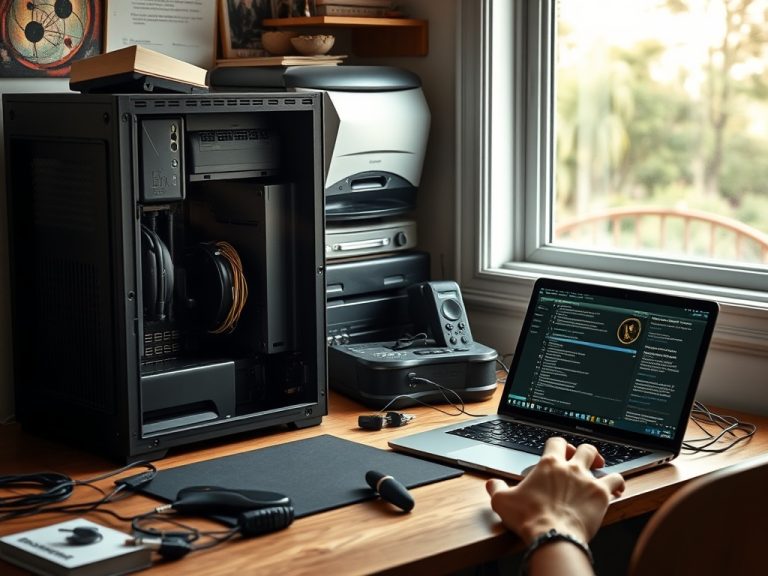
Ethernet is a wired networking method that connects a device to a router, switch, or network port with a cable. It matters most when stability, low latency, large transfers, and predictable performance are more important than the convenience of Wi-Fi.
Wired-network basics in one minute
– Ethernet is best for stationary devices that need stable performance.
– A cable will not exceed your internet plan, but it can reduce home-network instability.
– Use wired tests to separate Wi-Fi problems from service or website problems.
Content focus: Beginner Guide | Networking & Connectivity | Search intent: Informational | Audience stage: Beginner | Target keyword theme: Ethernet.
What Ethernet does in plain English
Ethernet is the cable-based side of a local network. One end of the cable connects to a device, and the other end connects to a router, wall jack, switch, or dock. The device then talks to the local network through that physical link.
The technical standards behind Ethernet are maintained by the IEEE 802.3 Ethernet Working Group. Beginners do not need to memorize standards to use Ethernet well. They only need to understand that a cable can remove several wireless variables: distance, interference, weak signal, crowded channels, and roaming between access points.
Ethernet will not make an internet plan faster than the service you pay for, and it will not fix every website problem. If a browser error is caused by a mistyped address, the related How to read domains, subdomains, and URLs correctly will help more than changing cables.
Where a cable is worth the inconvenience
Use Ethernet for stationary devices: desktop computers, game consoles, smart TVs, network-attached storage, work docks, and sometimes printers. These devices rarely need to move, so the cable is less annoying and the stability benefit is easier to notice.
A wired connection is especially useful when someone works from home and depends on video meetings, remote desktop sessions, uploads, or cloud-based tools. The FCC's FCC broadband consumer resources can help readers understand how different activities relate to broadband needs, but the home network still has to deliver that connection reliably to the device.
Ethernet also helps with troubleshooting. If a laptop works perfectly on a cable but fails on Wi-Fi, the issue is likely wireless coverage, interference, router placement, or a Wi-Fi adapter problem. If both wired and wireless fail, the problem may be the internet service, router, DNS settings, or the destination site.
Wired connection use-case table
| Use case | Why Ethernet helps | When Wi-Fi may be enough |
|---|---|---|
| Video calls | Fewer dropouts from signal changes. | Short calls near a strong router. |
| Gaming | Lower and steadier latency. | Casual play where delay is not critical. |
| Large uploads | Consistent throughput for cloud backups or media files. | Small files and occasional syncs. |
| Desktop workstations | Stable connection without Wi-Fi driver issues. | Rooms where cable routing is impractical. |
What to check before running cable
Check the ports first. Many thin laptops no longer include an Ethernet jack, so they may need a USB-C or USB-A adapter. Some docks include Ethernet, but performance and reliability depend on the dock, drivers, and cable quality.
For a desktop, put network planning into the setup checklist rather than treating it as an afterthought. The Desktops Setup Checklist: What to Review Before You Buy or Upgrade covers desk placement, cable paths, and workspace decisions that affect everyday reliability.
Security does not disappear because a cable is used. Keep router firmware updated, use strong Wi-Fi passwords for wireless devices, and protect important accounts. Network stability and account security solve different problems, which is why readers should also review Two-factor Authentication Mistakes That Put Accounts, Devices, and Data at Risk.
Beginner Ethernet checklist
- Use a cable for stationary devices that handle calls, uploads, gaming, or streaming.
- Check whether the device has an Ethernet port or needs an adapter.
- Avoid tightly bending cables or running them where they can be pinched.
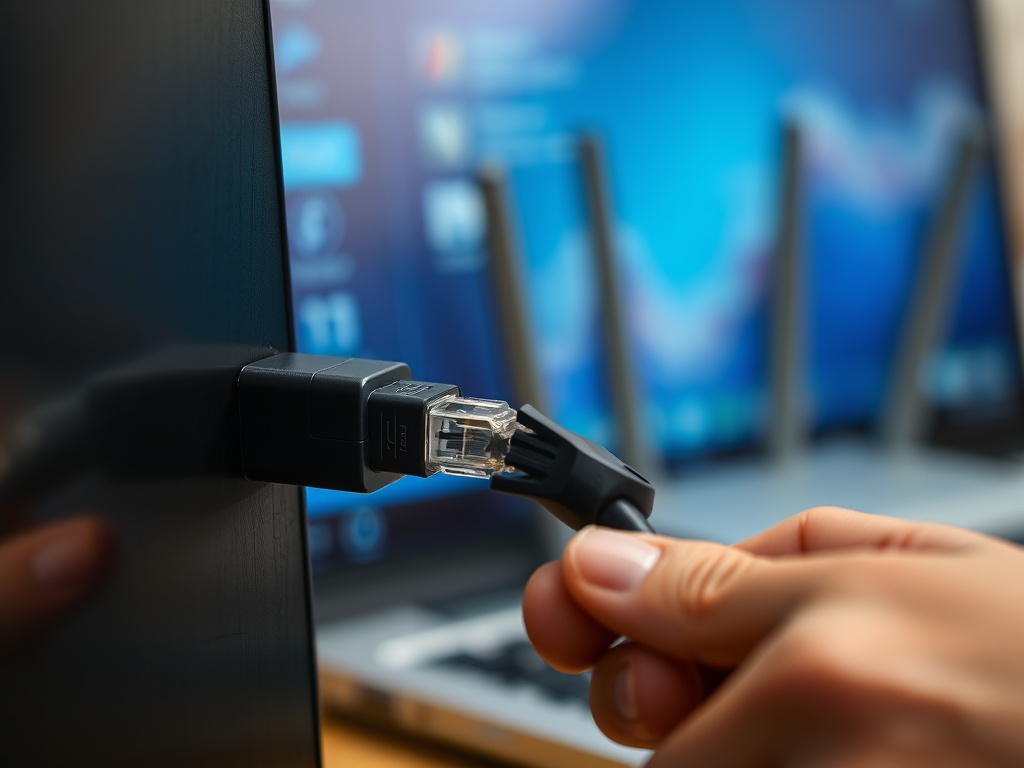
- Label long cable runs so troubleshooting is easier later.
- Test the same activity on Wi-Fi and Ethernet before blaming the internet plan.
Practical QA for wired-network changes
A useful rule for Ethernet is to keep the next action small enough to verify. Change one setting, test one connection, replace one habit, or compare one tool at a time. When several changes happen together, it becomes harder to know which one helped and which one introduced a new problem.
Document the baseline in plain language. For when and why wired connections help everyday users, that means noting the device, account, browser, network, file, or workflow involved before making changes. Even a short note can prevent circular troubleshooting later, especially when more than one person is helping.
Be careful with advice that sounds universal. A recommendation can be correct in one context and wrong in another because router, switch, port, latency do not affect every reader the same way. The best next step is the one that matches the reader's device, account risk, budget, skill level, and tolerance for disruption.
The middle-of-funnel reader usually needs enough confidence to act, not every technical detail. Give them a safe path, a quick way to test results, and a sign that tells them when to stop and ask for expert help. That balance keeps Ethernet practical instead of overwhelming.
When the choice affects money, access, data, or security, prefer reversible actions first. For when and why wired connections help everyday users, that might mean testing with a spare cable, trying a live USB, exporting a backup, reviewing permissions, or checking a claim against an original source before making a permanent change.
For shared households or teams, assign an owner for the next step. One person should confirm the setup, keep the recovery details, record the decision, or update the document. Clear ownership turns Ethernet from a vague concern into a manageable workflow.
If an external guide, vendor page, or support article is part of the decision, check that it matches the device, account, region, and software version involved. General advice is useful, but the final action should fit the exact context in front of the reader.
Use the internal links in this article as a learning path. They are not side notes; they point to adjacent problems that often appear once readers start fixing Ethernet, such as access, security, hardware, reporting, or publishing workflow gaps.
A final quality check is to ask what would prove the advice worked. For Ethernet, the evidence might be a successful login, a restored file, a cleaner URL, a steadier connection, a fewer-copy report, or a clearer publishing brief. Measurable outcomes keep the article useful after the first read.
That outcome should be easy to explain to someone else. If the reader cannot describe what changed, why it mattered, and what to watch next, the guidance needs one more practical check before it is complete.
Use cables where stability is worth the effort
Start with the one habit that affects your daily use most, then build from there. A clear next step is more useful than trying to master all of Ethernet at once.